
Everything Fleetly does, in three parts.
Delegate work to the agents, follow it from anywhere and govern usage and access. Each feature links to the docs, step by step.
Keep the agents working without you in front of the screen.
Every session, from every machine, on your computer and your phone.
Usage, cost and access, without turning into surveillance of people.
In detail
The agent started the app on your Mac. You test it on your phone.
When a session starts a dev server, Open preview shows up in the chat. One tap and the app running on localhost:3000, on your Mac or a server, opens on your phone, wherever you are.
- 1The agent runs
npm run devon the machine - 2Fleetly shows Open preview :3000 in the chat
- 3You tap it and test the app on your phone
No tunnel, no open port
The preview rides on the collector’s existing outbound connection. Preview localhost on your phone without ngrok, Tailscale or firewall rules.
Any project, any machine
Any app that answers on a port: website, API or internal dashboard. On your Mac, your server or a client’s machine.
An address just for you
Each preview gets its own address, separate from the dashboard, that only opens for you and closes on its own.
Left the laptop at home? The code comes with you.
The Files tab shows the session’s project, with what changed since the last commit. Open a file, fix it right there and tap Save and ask to test: the agent on the machine checks it and runs the tests.
- 1Open Files in the session, on your phone or computer
- 2Fix the file, with the keys your phone keyboard is missing
- 3Save and ask to test saves it and writes the request in the chat
If the agent changes it first, nothing is lost
Fleetly shows both versions and you pick which one stays.
Secrets don’t open in the dashboard
Files like .env and keys stay out, and the building’s policy applies to every save.
On a computer, in columns
With the session expanded, files, editor and chat side by side, as wide as you like.
You sleep. Routines work. In the morning, the brief.
Create routines in the project list: review what changed, run the tests and fix, or whatever you write, on a schedule, in a new session. Turn on leftover usage window and what’s left near the reset becomes work instead of going to waste. At 8 a.m., the morning brief reaches your phone.
Your folder stays untouched
A routine can run in a worktree, on a branch of its own. If it changes nothing, the worktree goes away on its own.
Push and PR are yours
A routine never pushes or opens a pull request, even with accept automatically on. The building’s policy still applies.
Leftovers aren’t wasted
Near the 5-hour window reset, with usage left over by the forecast, the machine runs the marked routine. Not when the week is tight.
The same fleet, whichever way you need it.
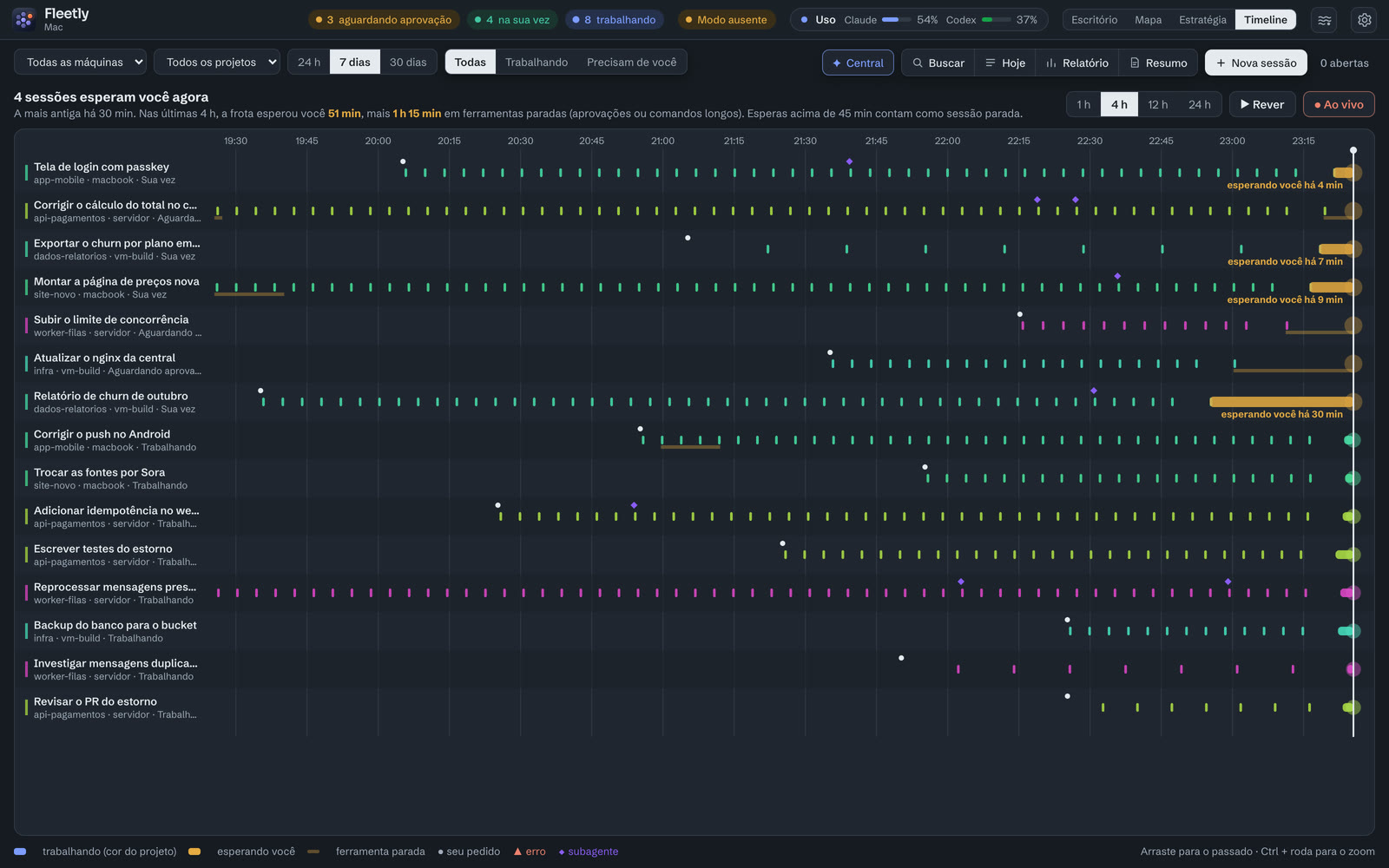
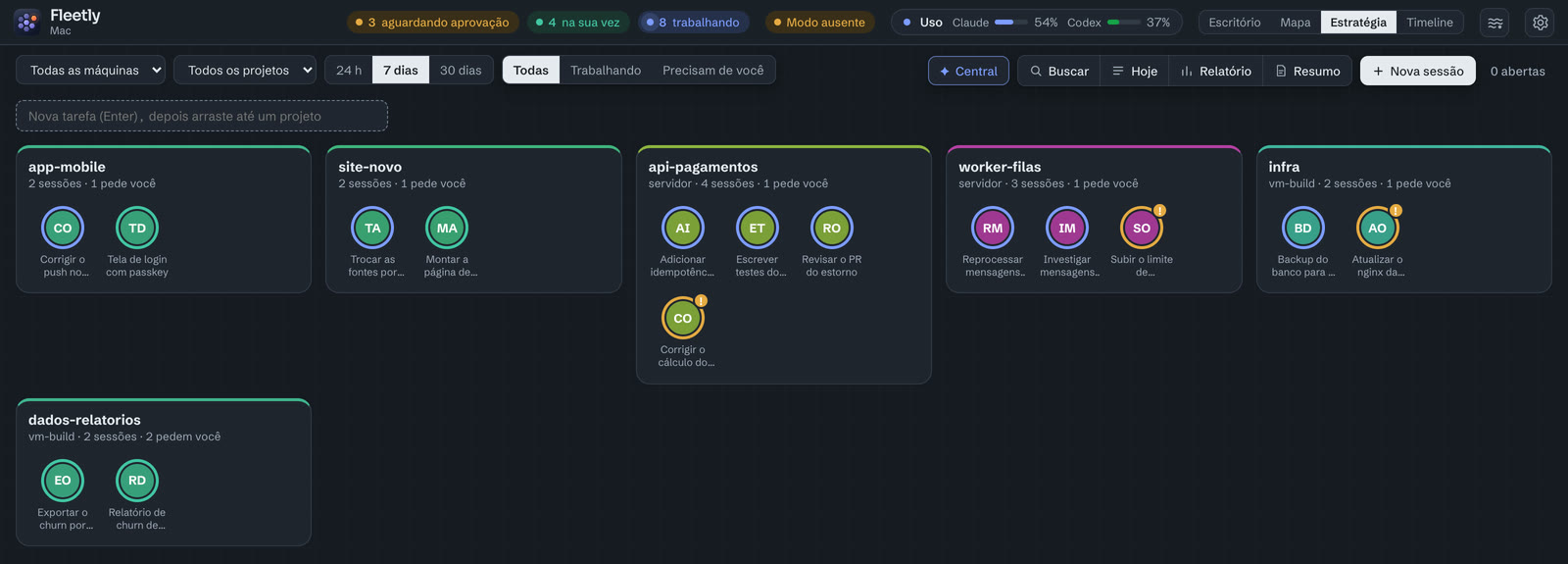
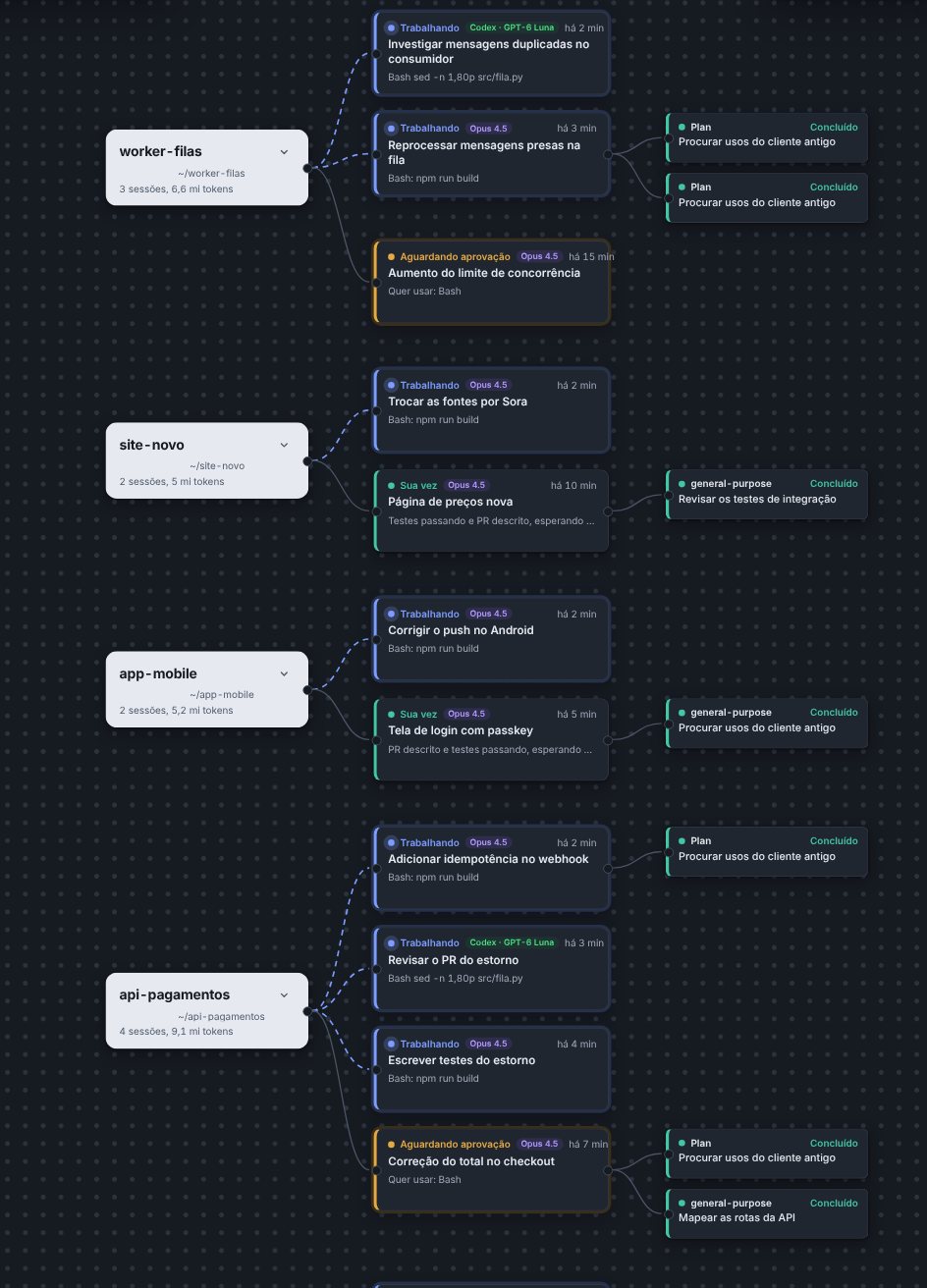

And everything else that comes with it.
Chat with any session
No SSH, no terminal. Take over a VS Code session in Fleetly and carry on from your phone.
Approve or deny
Permission requests become cards, on the dashboard and on your phone, with “always allow” in this session or in the project.
Queue
Line up the next prompt. It goes out when the agent finishes, even with the dashboard closed.
Command center
An agent that sees every session on every machine. “What needs me?”
Plan usage
5-hour and weekly meters, a forecast of when you’ll run out, and per-project budgets.
Summary and reports
“What happened in the last 8 hours?” Time, tokens and commits per project.
Built-in git
See the diff, commit and push on the right machine and run tasks side by side in worktrees, without leaving the dashboard.